Giornale is a Ghost theme for editorial publications that live on memberships: magazines, newsletters and independent writers. It pairs a classic serif with generous photography, and puts your tiers and your newsletter where readers actually see them.
This page walks through what the theme does and how to set it up. Everything shown here works without code.
Two ways to open the homepage
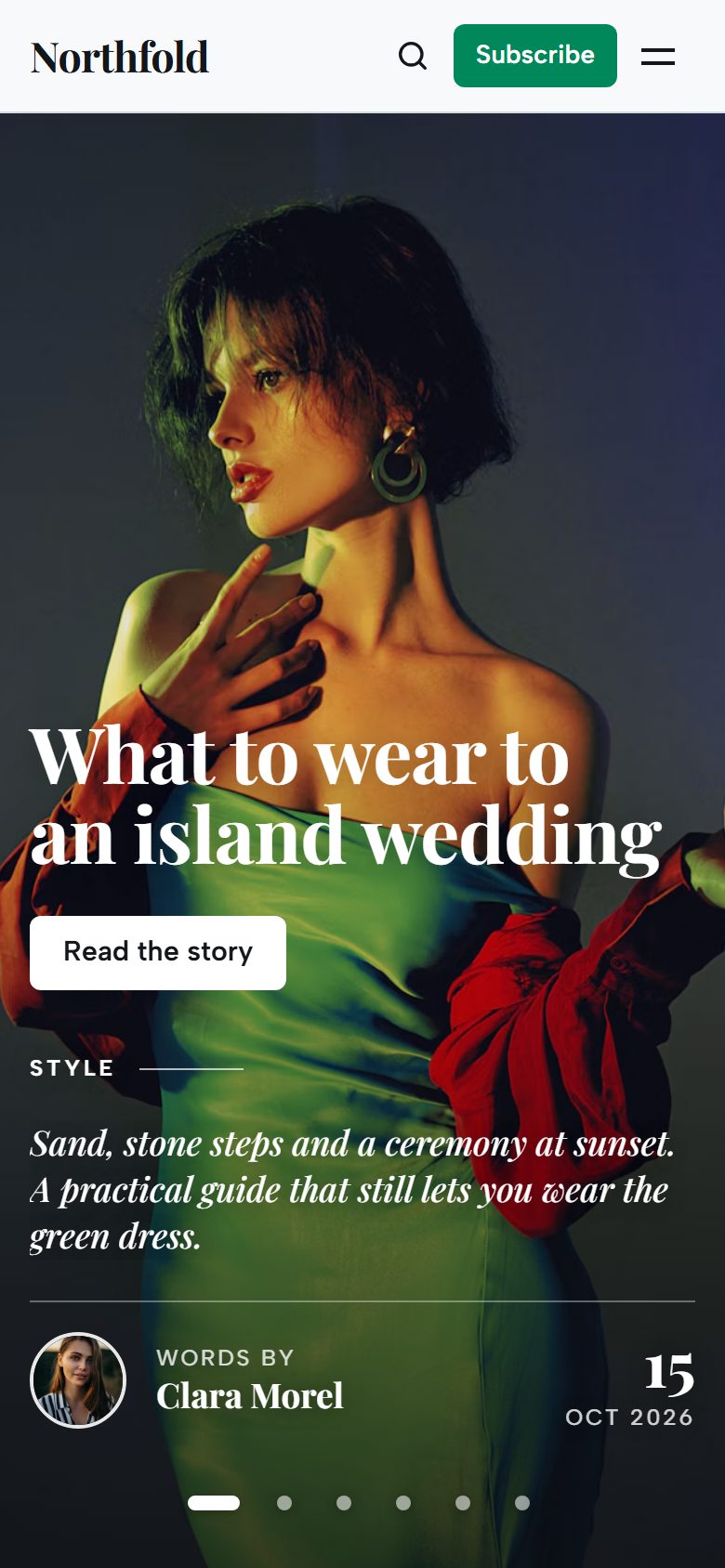
Choose the Hero layout in the theme settings.
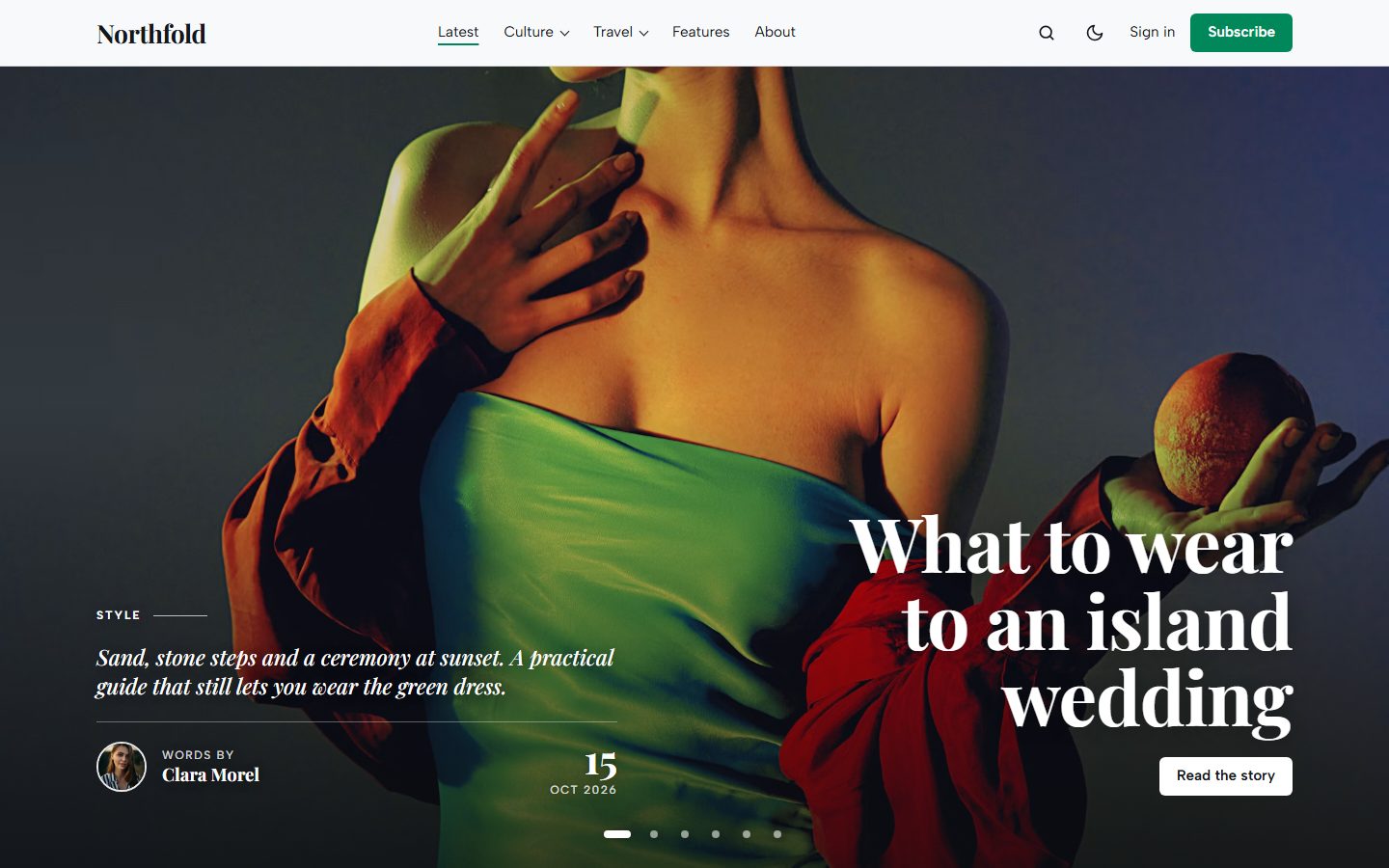
Full screen turns your Featured posts (up to six) into a slider that fills the screen: the photo edge to edge, the title set large, the excerpt in italics and a signature with the author and the date. Stories change on their own, readers jump between them with the dots or a swipe, and the slider pauses while they point at it. Without a Featured post, the latest post takes its place.
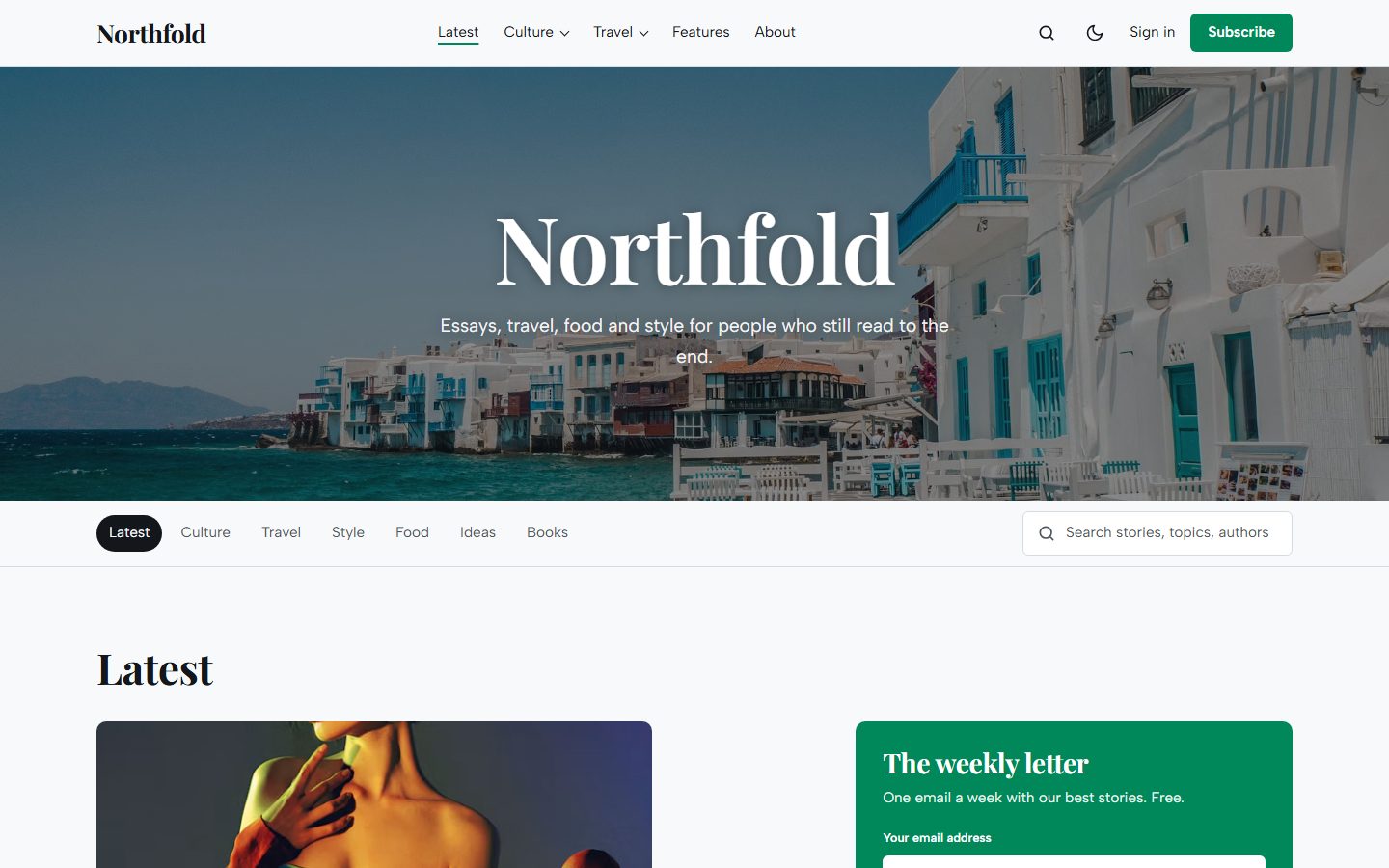
Half page uses your Publication cover with the site title and description, then a row of topic tabs and a search field.
A mega menu, built from your navigation
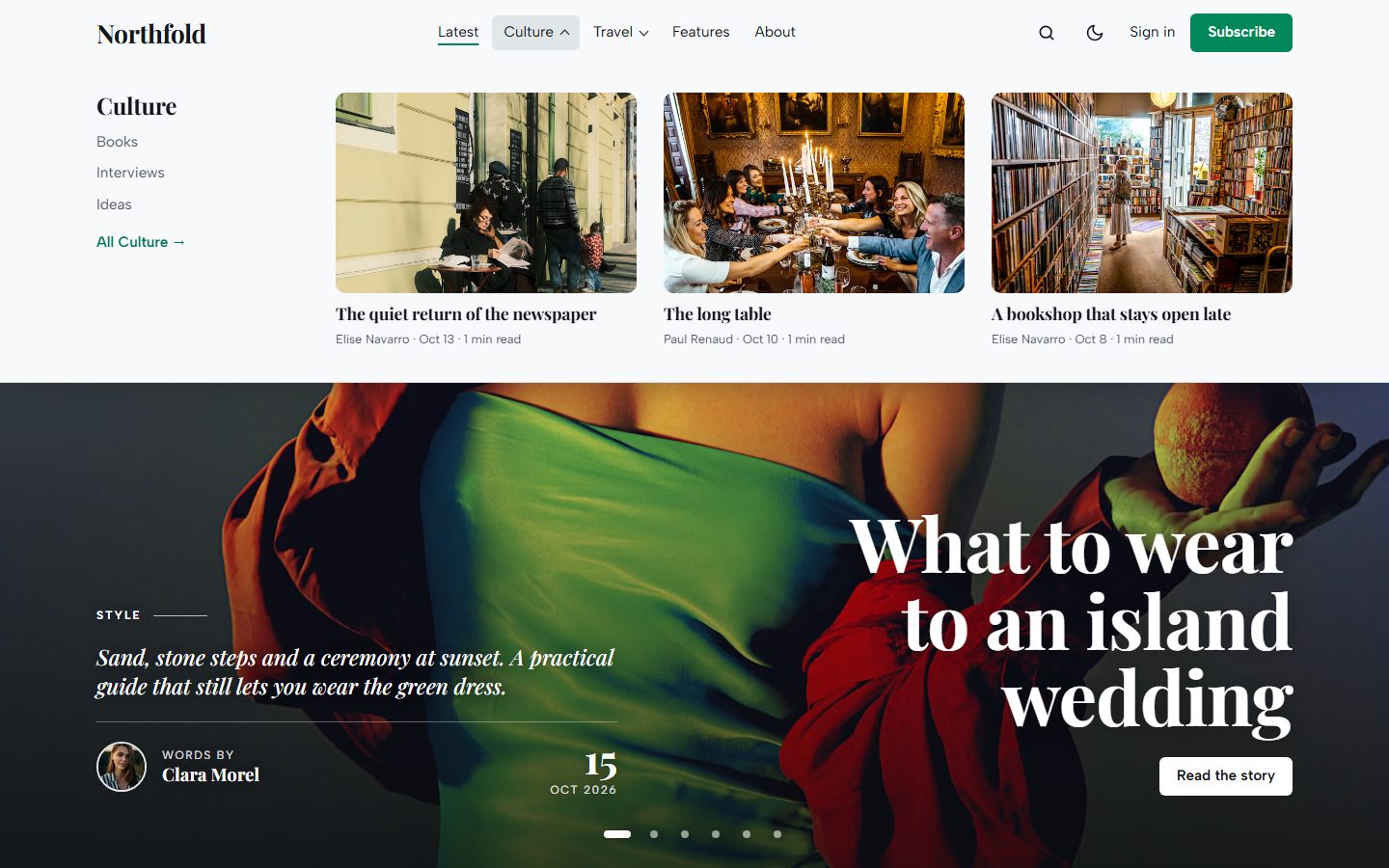
In Settings, Navigation, start a label with a dash, like -Books, and it becomes a sub-link of the item above it. That item turns into a mega menu: its sub-links on the left and the three latest stories of its page on the right. Point the parent item to a tag page and the panel always shows what is new in that section.
Sections you can switch on and off
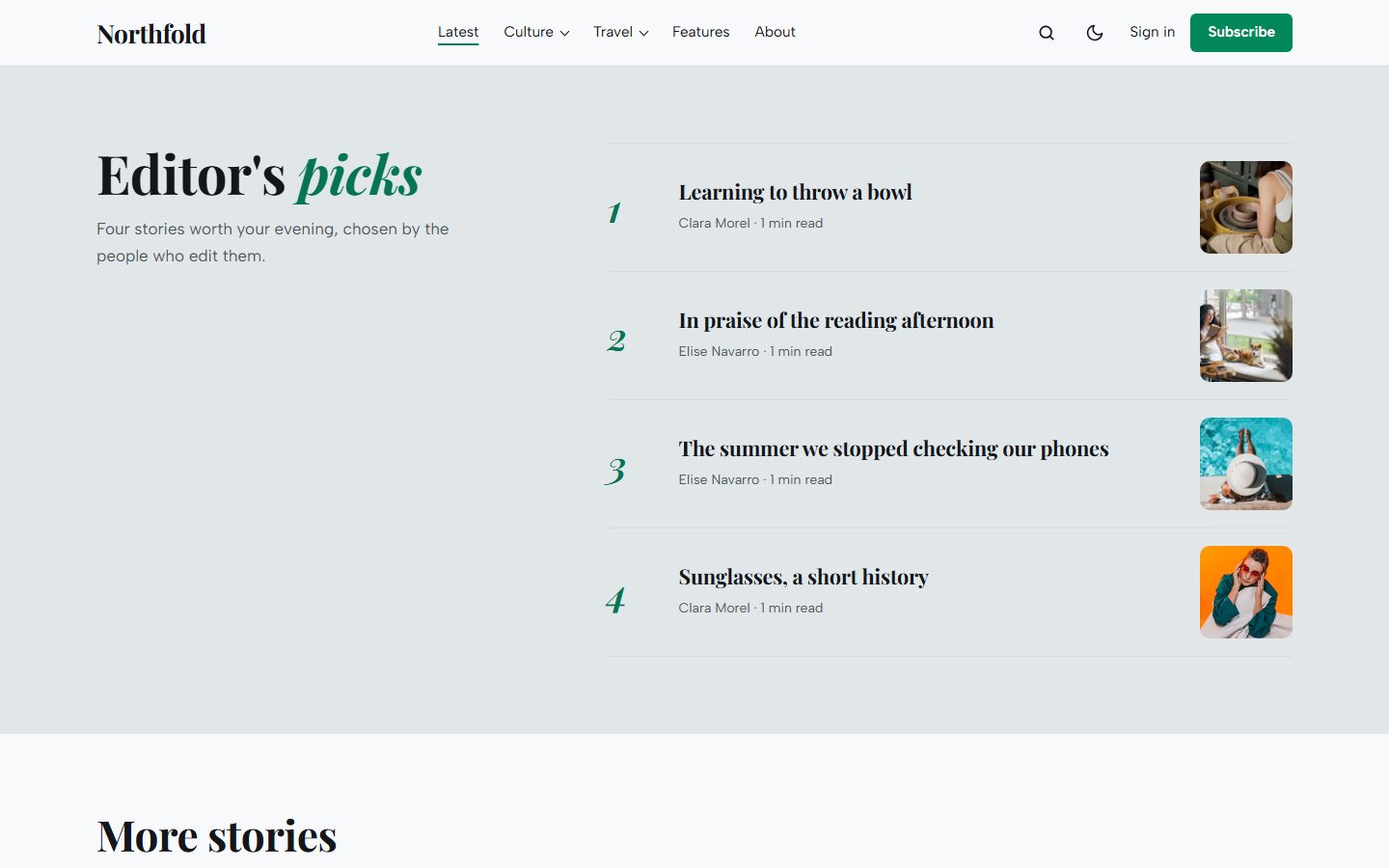
Every block of the homepage has its own switch in Design & branding: the cover, Topics (your six largest tags as photo tiles), Latest (one large story, two smaller ones and a newsletter box), Editor's picks, More stories with a Load more button, and Membership.
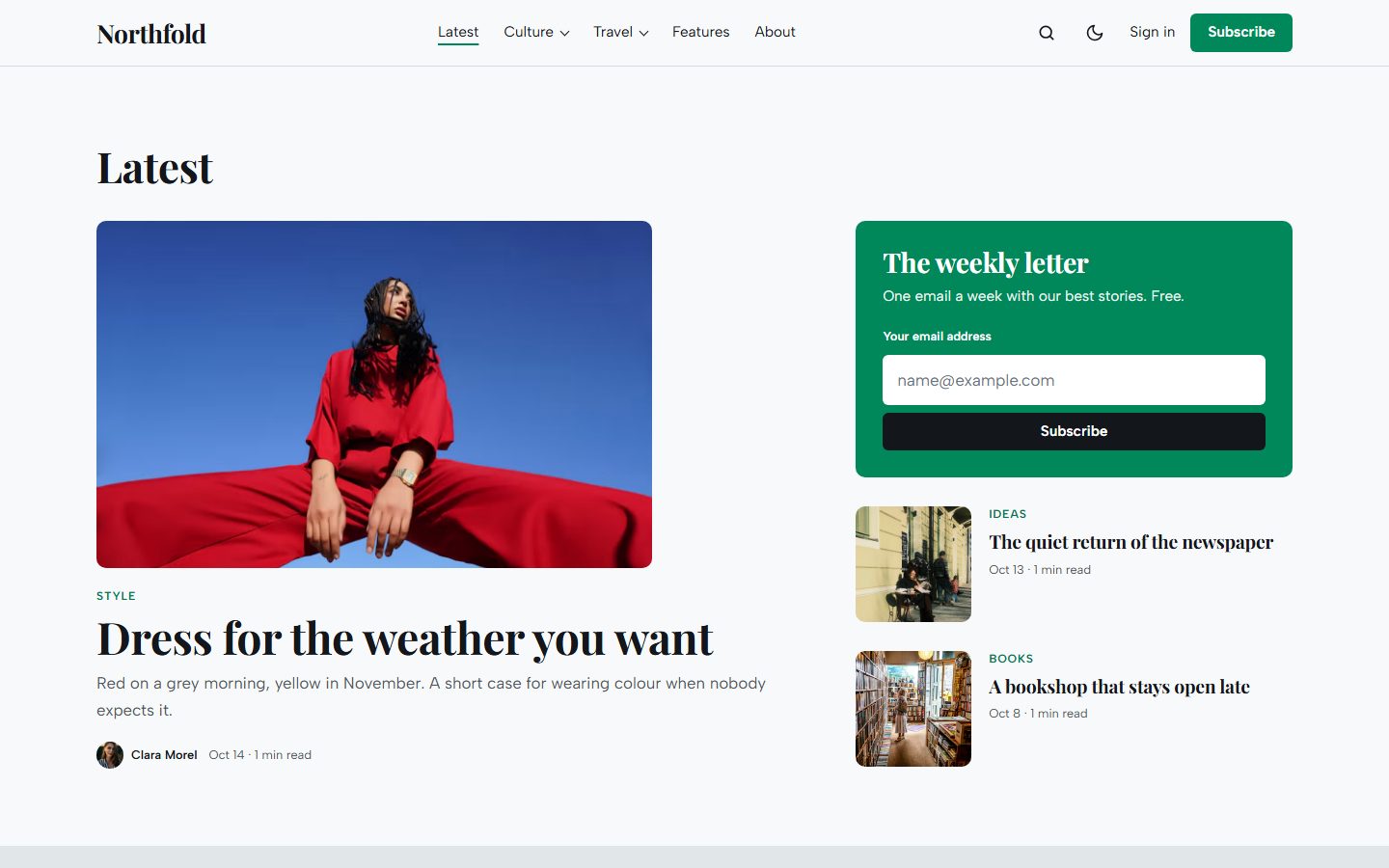
Give up to four posts the internal tag #picks to fill Editor's picks. The Membership section lists your tiers from Ghost, with their prices, benefits and signup buttons. Put a word of its heading between asterisks, like *independent*, to set it in italics.
Three ways to tell a story
Pick a layout for each post in the editor, under Post settings, Template.
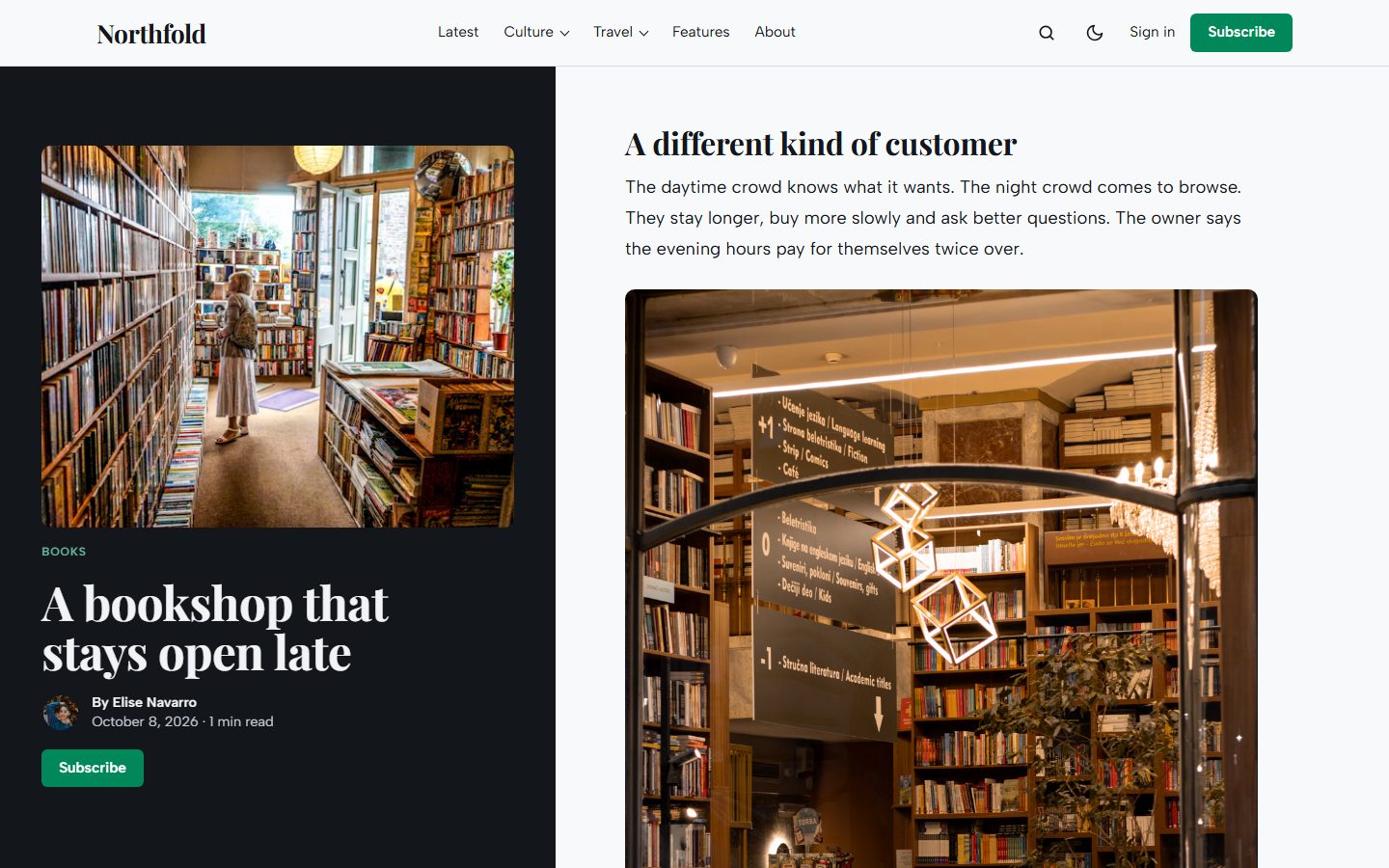
The default layout is a calm reading column with the photo below the title. Wide and full-width images break out of it.
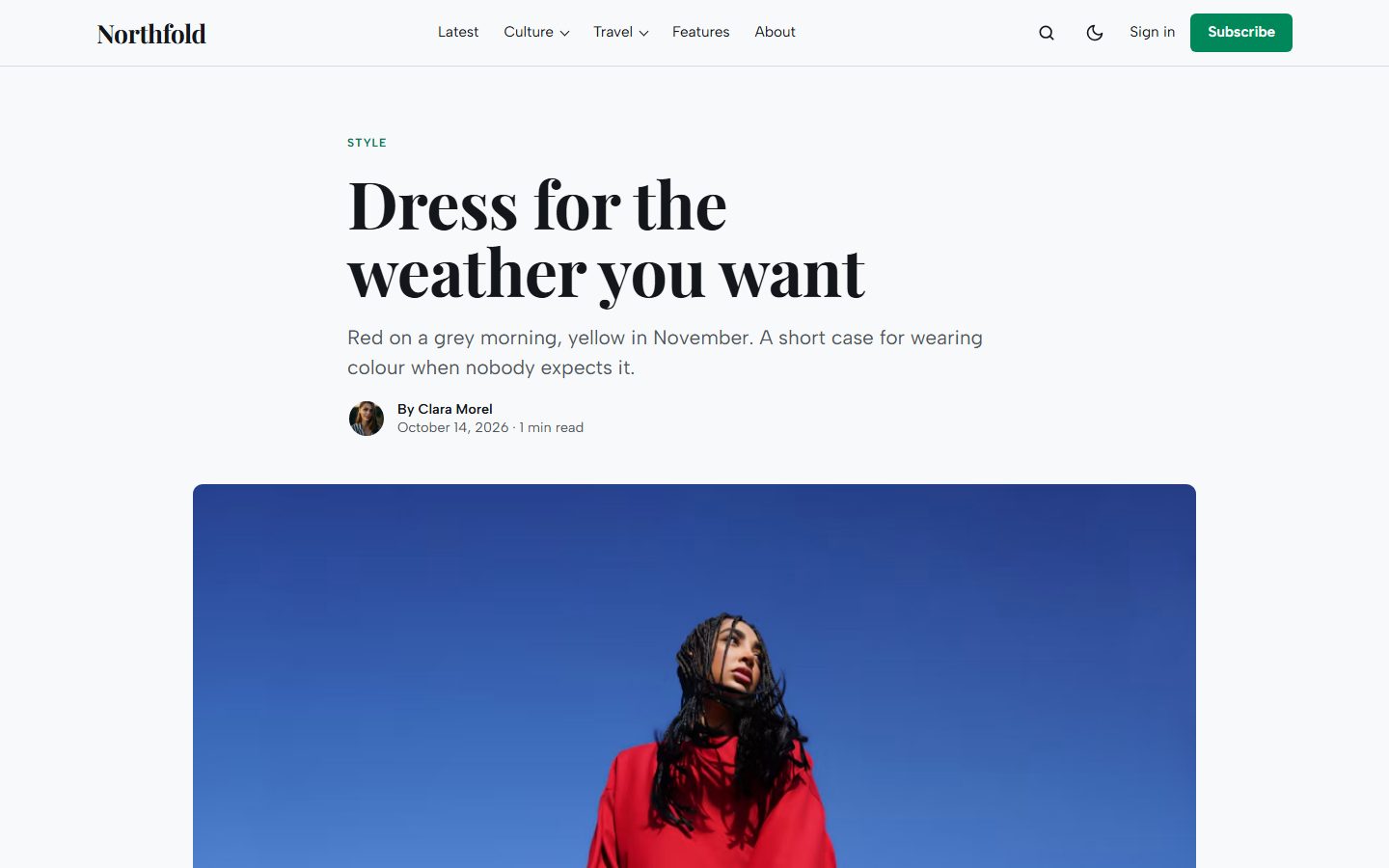
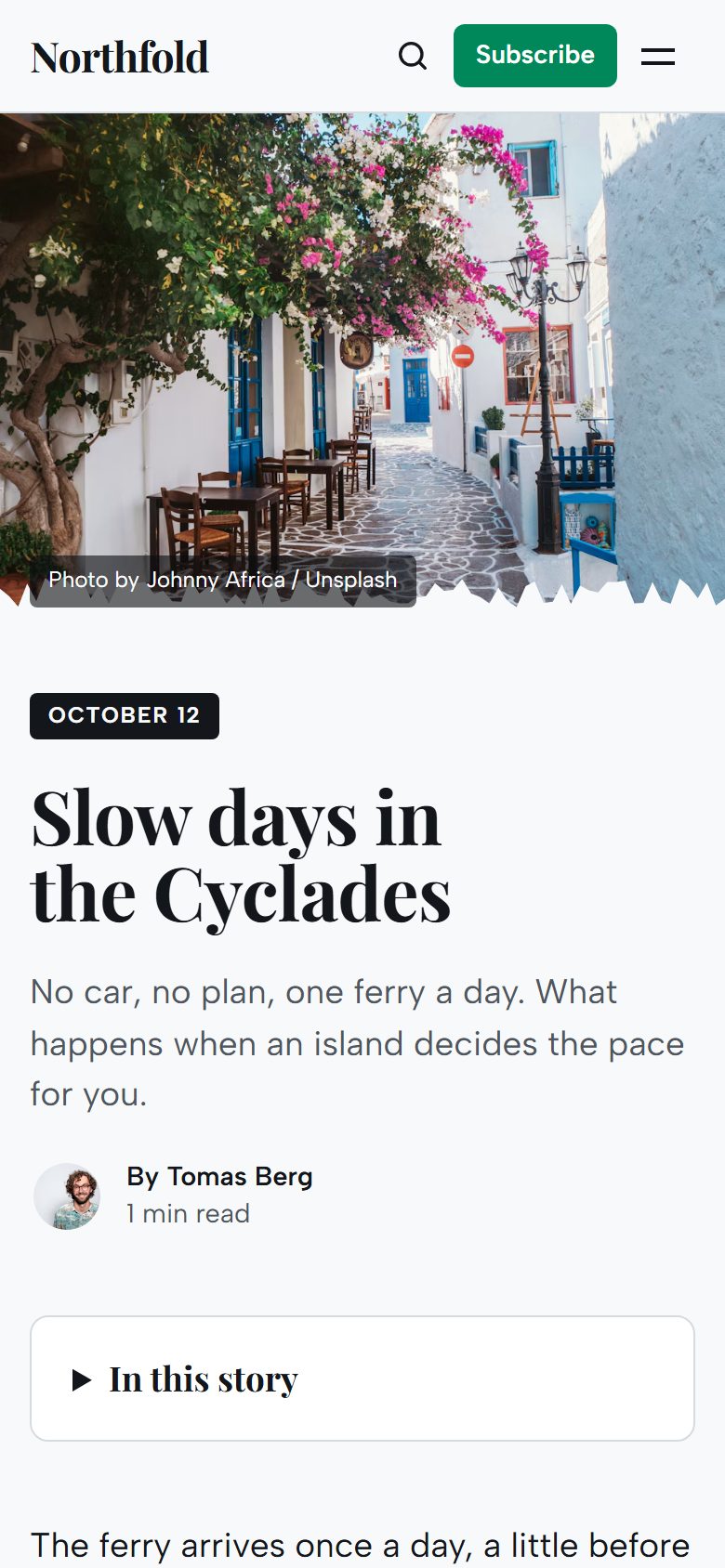
Torn gives the photo the left half of the screen with a torn paper edge. It stays in place while the story scrolls beside it.
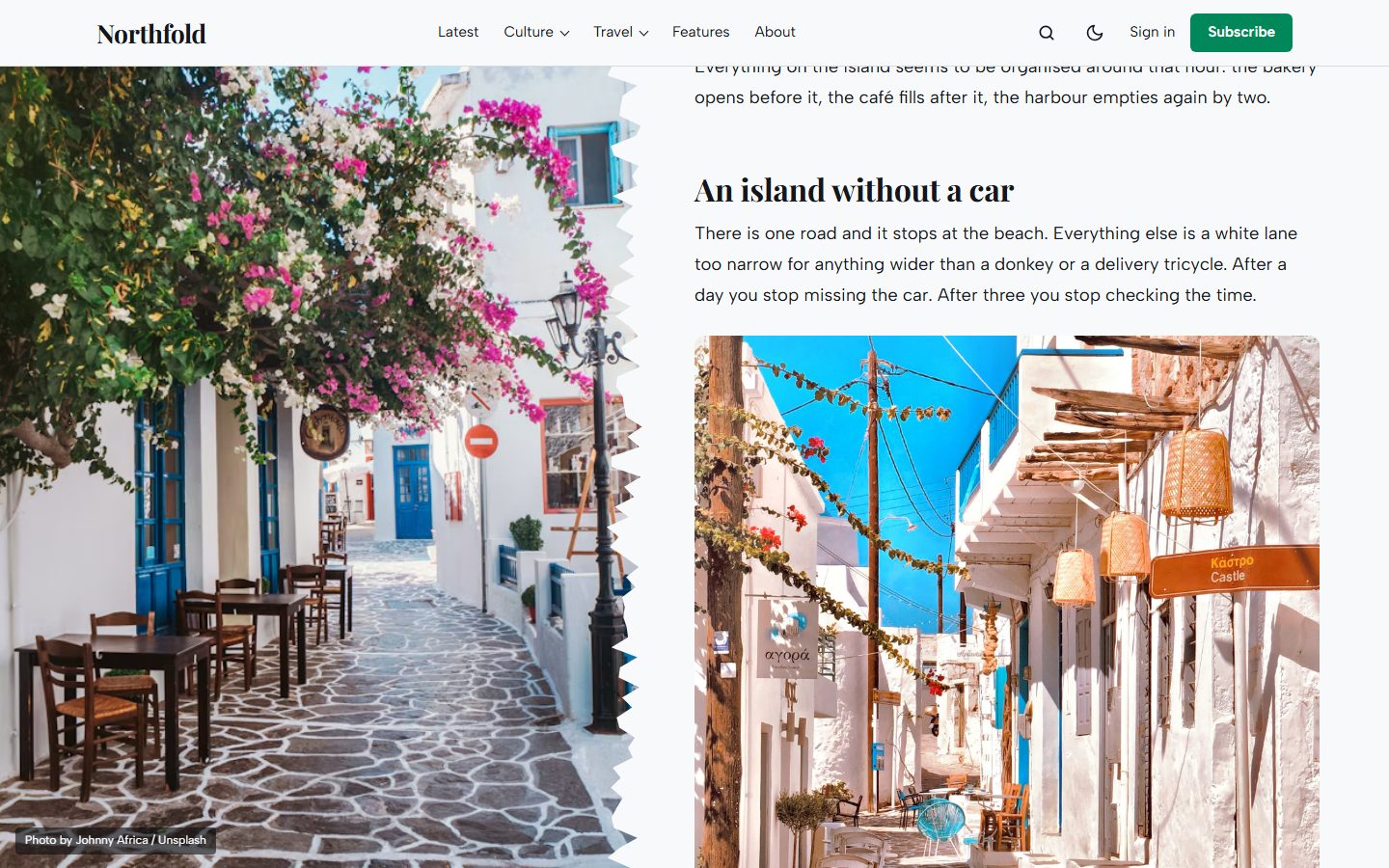
Sidebar keeps a dark column with the photo, title, author and a Subscribe button in place on the left, with the table of contents and the story on the right.
Long reads get a table of contents built from your headings, and every post ends with share links, a subscribe box for visitors and the author cards.
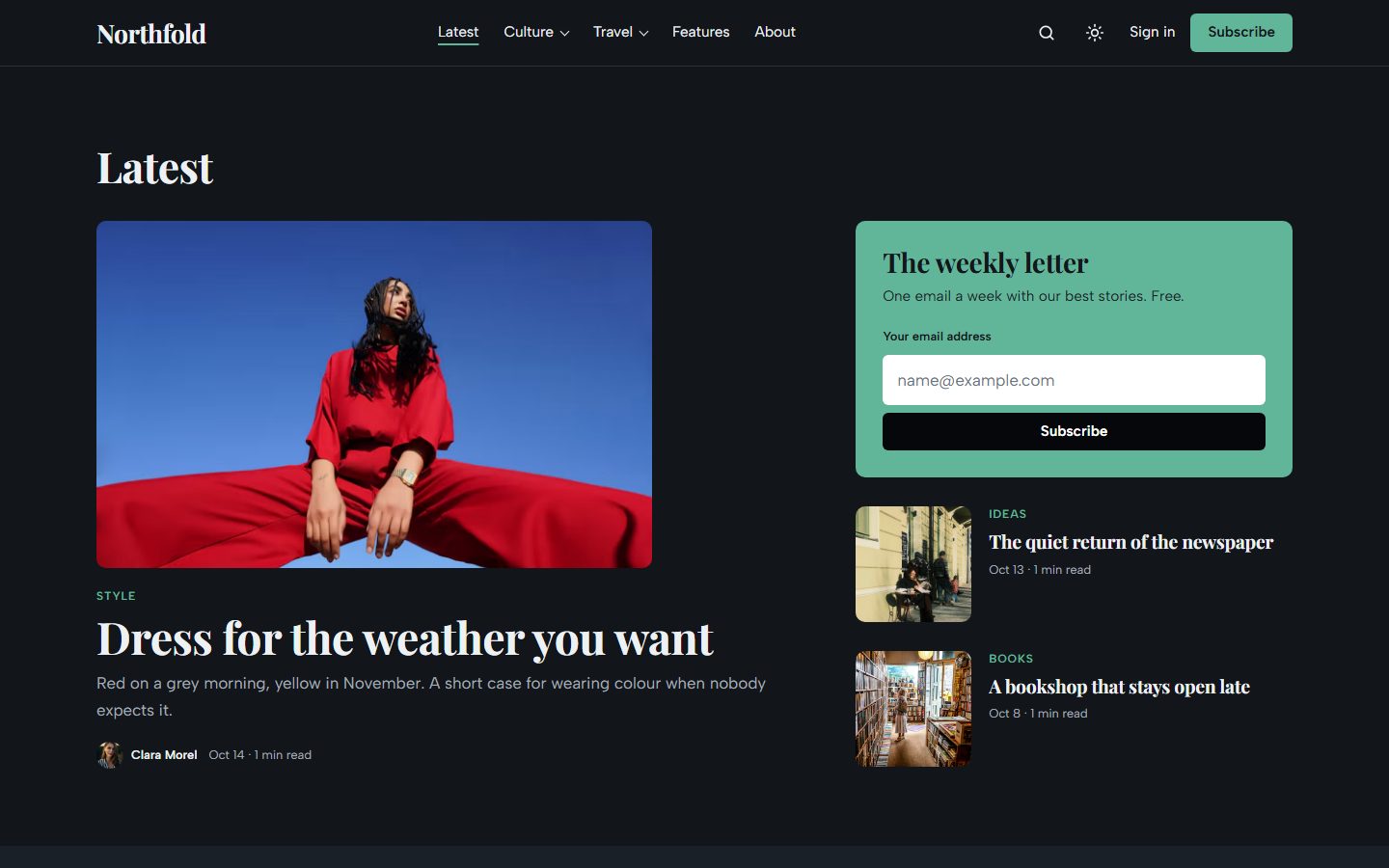
Light or dark
Choose the default color scheme: Light, Dark or Auto. Readers can switch at any time from the header. An optional second logo is used in dark mode.
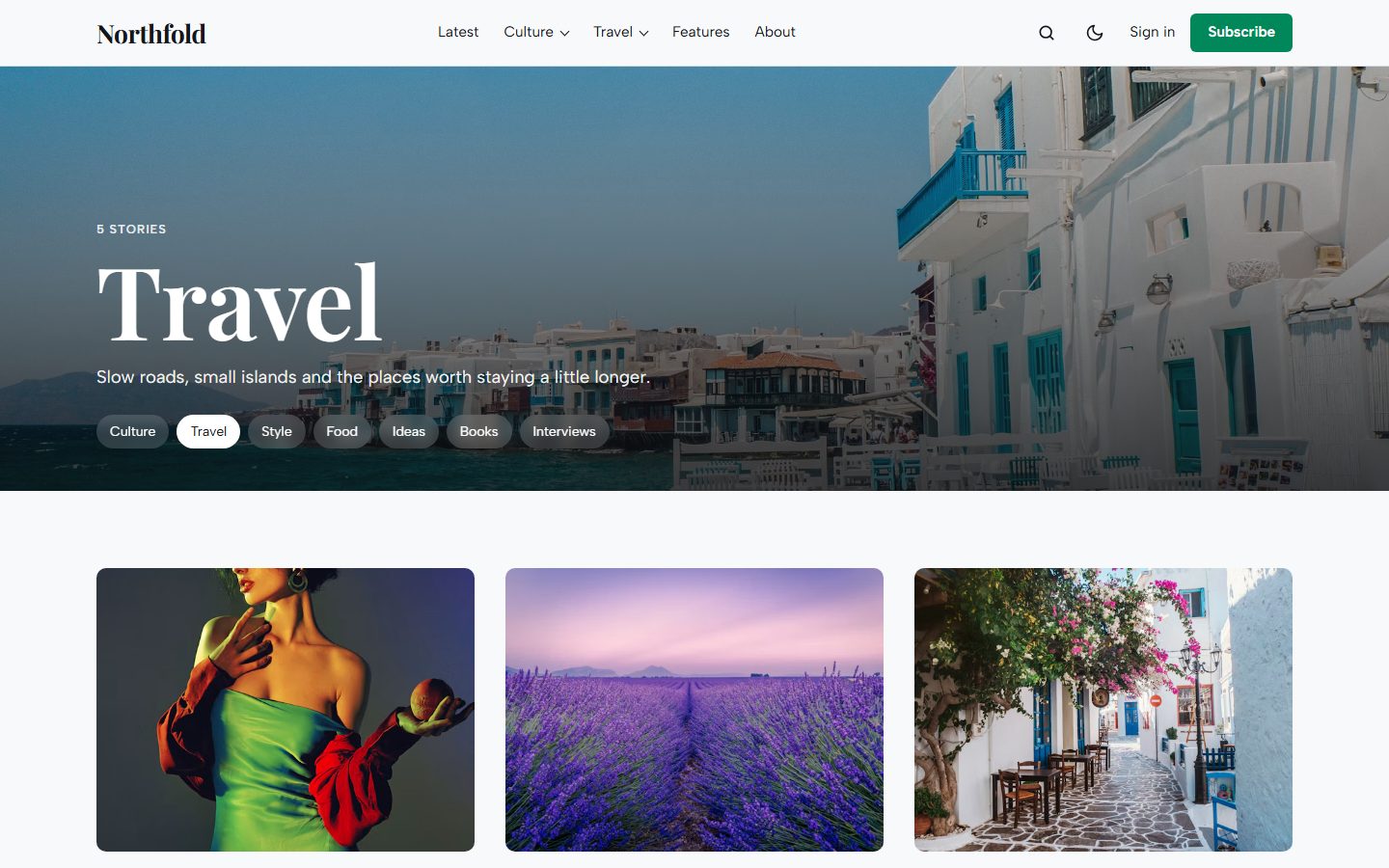
Topics and authors
Tag and author pages open on a full-width cover with the name set large and links to the neighbouring topics. Without an image, the accent color carries the name as a watermark.
On every screen
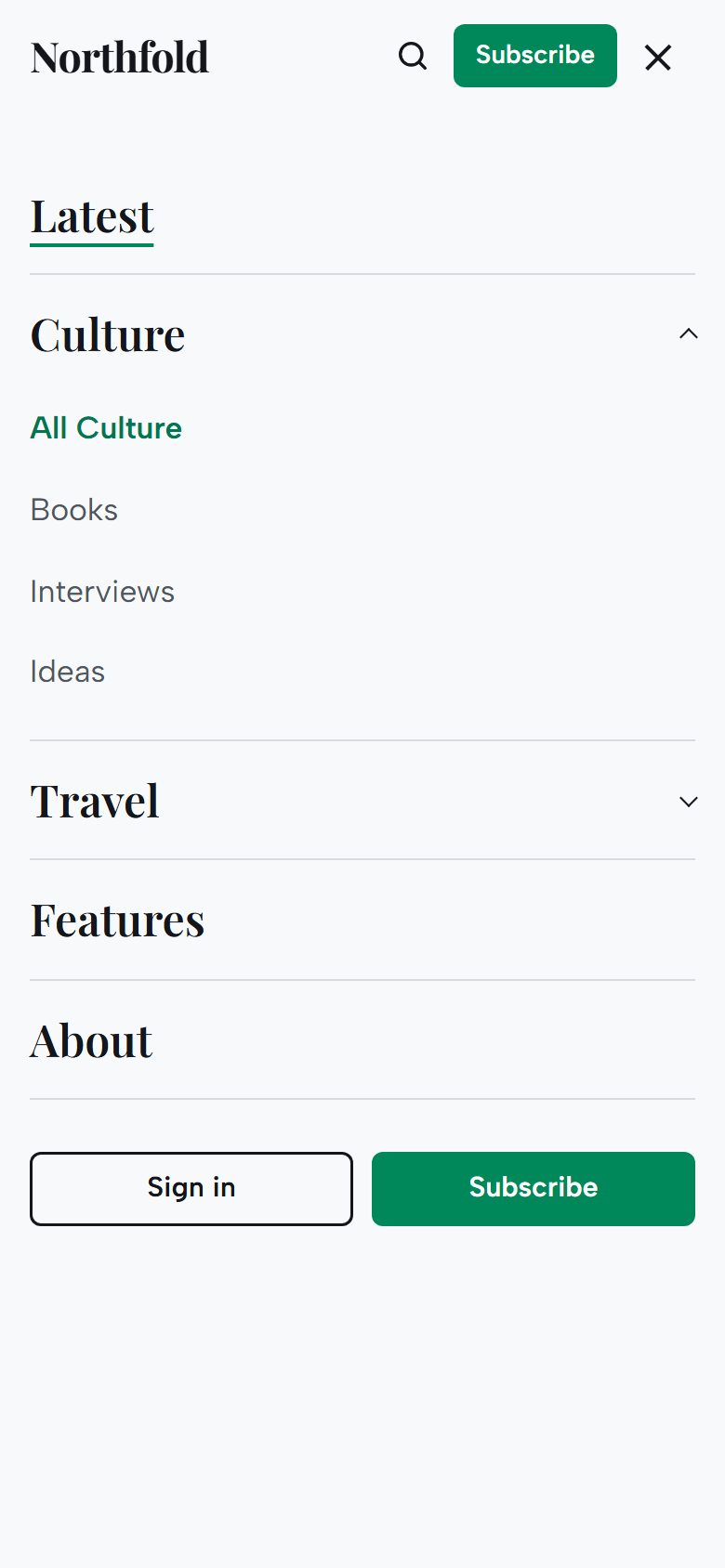
Theme settings
- Color scheme: Light, Dark or Auto, plus an optional logo for dark mode.
- Hero: on or off, Full screen slider or Half page.
- Homepage sections: Topics, Latest, newsletter box, Editor's picks, More stories and Membership, each on or off, with their headings and short texts.
- Footer text and Other social links (Pinterest, GitHub, Behance and more).
- Posts: table of contents and the subscribe box at the end of posts.
The theme uses the accent color from Settings, Design & branding for buttons, the newsletter box and highlights. Text on the accent switches between dark and light automatically.
Everything Ghost offers
- Members, free and paid tiers, members-only and paid-only posts.
- Newsletter signup connected to Ghost.
- Native search, opened from the header or with
Ctrl/Cmd + K. - Ghost comments.
- All editor cards. See them on the Styleguide page.
- Responsive images, lazy loaded, and fully translatable text.